What Should a Plumber's Website Include?
When a pipe bursts, people call the first plumber who looks trustworthy and easy to reach. Here's what your website needs to win that call.

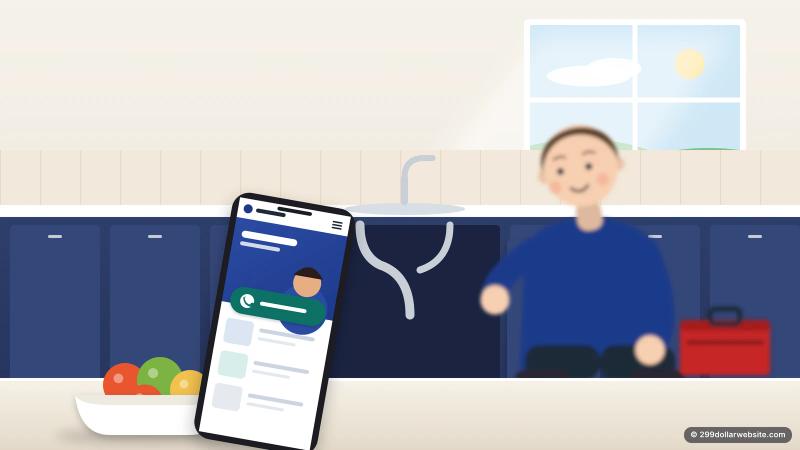
Most people find a plumber at a bad moment: water on the floor, no hot water, a drain backing up. They're on their phone, stressed, and they'll call the first business that looks trustworthy and makes it easy to reach them. Your website has one job in that moment: get the call.
Here's what a plumber's website needs to do that well, in order of importance.
1. A phone number you can tap, on every screen
On a phone, your number should be visible without scrolling and work as a tap-to-call button. Put it in the header, repeat it after each section, and consider a call button that stays at the bottom of the screen on mobile.
If you take texts, say so. Some people would rather text a photo of the leak than explain it on a call.

2. Say clearly what you do and where
Within a few seconds a visitor should know three things: you're a plumber, you work in their area, and you can help with their problem. A headline like "Licensed plumbers in Plano and North Dallas, same-day service" does all three.
Then list your service area by name: the towns, suburbs or neighborhoods you actually cover. People search for "plumber near me" or "plumber in [town]", and listing your areas helps Google match you to them.
3. One page per main service
A single "Services" page with a bullet list is easy to skip. Separate pages for your main services do two things: they answer the specific question the visitor has, and they give Google a clear page to show for that search.
Common ones:
- Emergency plumbing and burst pipes
- Drain cleaning and clogs
- Water heater repair and replacement (tank and tankless)
- Leak detection and repair
- Toilet, faucet and fixture repair
- Sewer line repair
- Repiping and remodel plumbing
Each page needs only a few short paragraphs: what the problem looks like, what you do about it, roughly how long it takes, and how to book.
4. Proof that you're licensed, insured and real
Plumbing means letting a stranger into your home, so trust signals matter more than design. Show:
- Your license number, where your state issues one. Many customers look for it, and some states have rules about showing it in advertising, so check yours.
- Insurance and any certifications or manufacturer approvals.
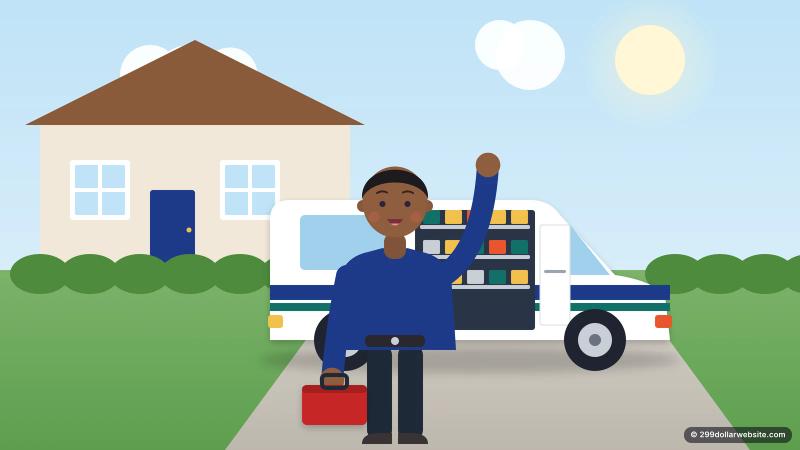
- Real photos: you, your team, your branded van, finished jobs. Skip the stock photo of a model holding a wrench.
- Reviews, ideally from Google, with first names and towns. Link to your Google reviews so visitors can see the full picture.
5. Answer the price question
Nobody expects an exact quote online, but silence about price makes people nervous. Pick what's true for you and say it plainly:
- your service call or diagnostic fee;
- "free estimates" for bigger jobs;
- typical starting prices for common work ("water heater installs from $X");
- whether you charge extra after hours or on weekends.
Being upfront filters out tire-kickers and makes the right customers more likely to call.
6. Make emergency service obvious, if you offer it
If you do 24/7 or same-day work, put it near the top of the homepage, not in the footer. If you don't, say what your hours are and what customers should do in an emergency, such as where to find the main shut-off valve. That small kindness gets remembered.
7. A short booking form for non-urgent jobs
Not every job is an emergency. For a dripping tap or a quote on a remodel, many people prefer a form. Keep it short: name, phone, town, what's wrong, and an optional photo upload. Every extra field loses a few people.
8. The technical basics that help you show up on Google
You don't need to understand these, but whoever builds your site should handle them:
- Fast loading on phones. Slow sites lose visitors who are already stressed.
- A clear title and description on every page, mentioning the service and the area.
- Local business structured data, which tells Google your business name, phone, area and hours in a format it reads directly.
- The same name, address and phone number as your Google Business Profile, Yelp and other listings.
- A link to your Google Business Profile, and the profile linking back to the site.
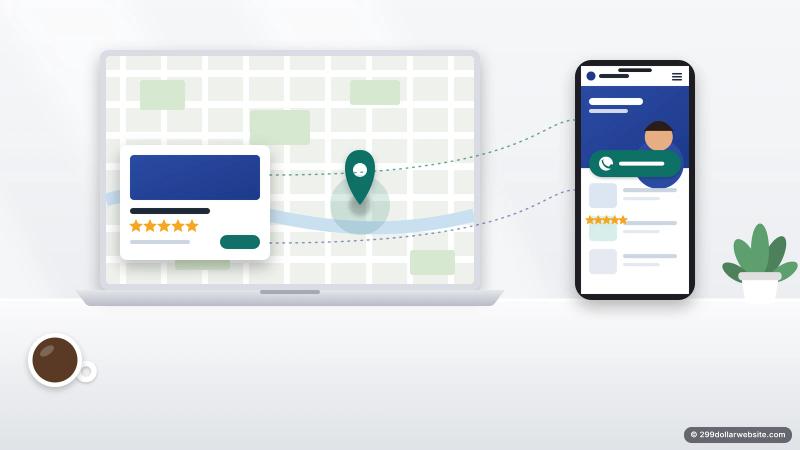
Your Google Business Profile and reviews often matter more for local ranking than the website itself, so treat them as one system.
What you can leave out
- Long histories of the company on the homepage (one or two sentences is plenty)
- Auto-playing videos and sliders that push the phone number down
- Pages of generic plumbing tips copied from elsewhere
- Pop-ups that cover the call button
A simple page plan
For most plumbers, five to seven pages cover it: Home, Services (or one page per main service), Service Areas, About, Reviews, and Contact. That fits our Business Website package, or a lean version fits the $299 Personal Website.
We build plumbing websites with all of the above, live in days, at a fixed price. See what's included for plumbers.